

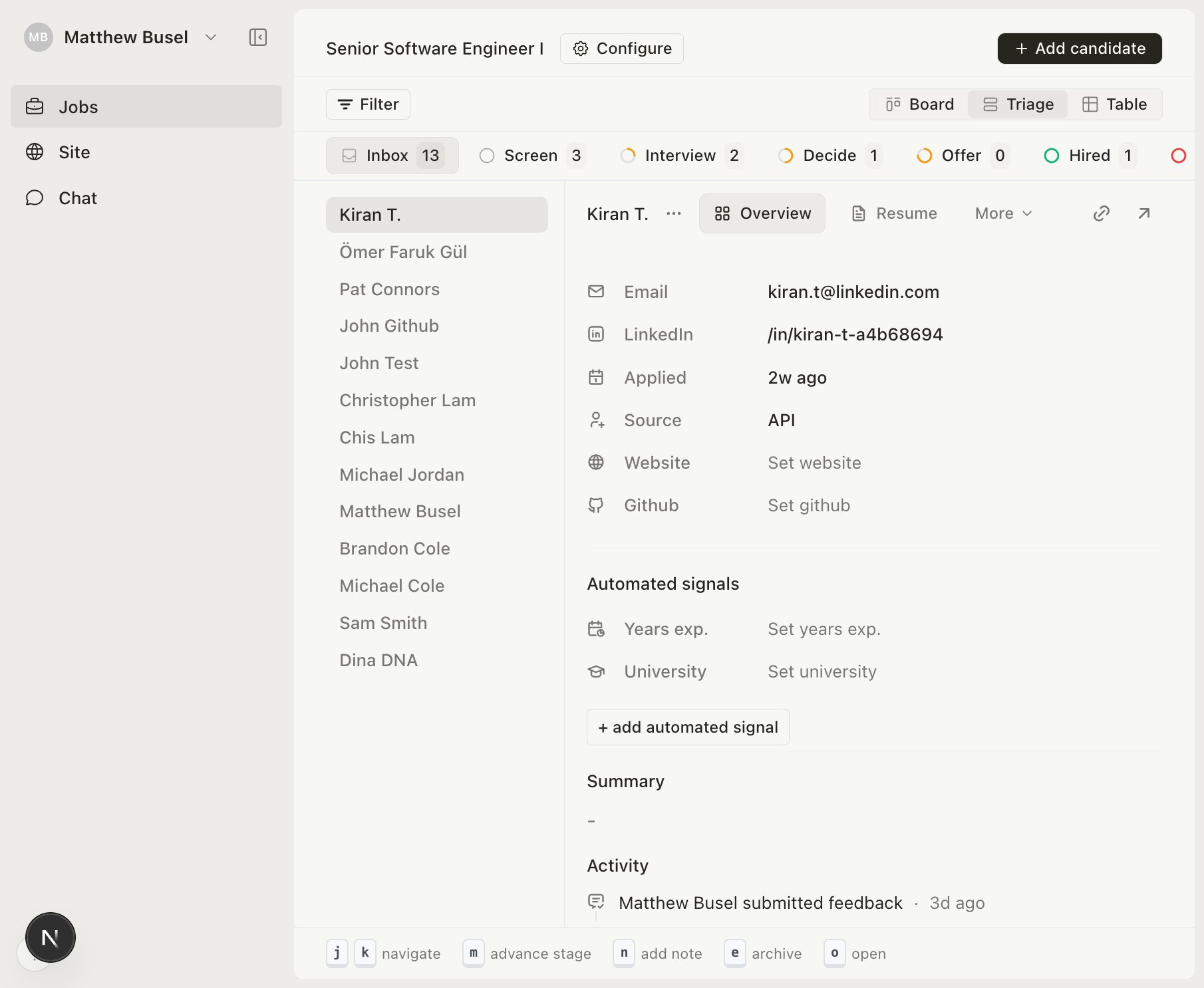
Keyboard shortcuts
Recommended workflow
- Select the Inbox tab to review new applicants
- Use
j/kto flip through candidates - Press
mto advance promising candidates,eto archive others - Click the next stage tab and repeat with a more thorough review
Review candidates at speed with keyboard shortcuts.
j/k to flip through candidatesm to advance promising candidates, e to archive others