

hireloam.com/apply/your-org-slug. Only jobs with Published status appear.
Customize your page
Go to Site in the sidebar to configure your careers page. Changes save automatically.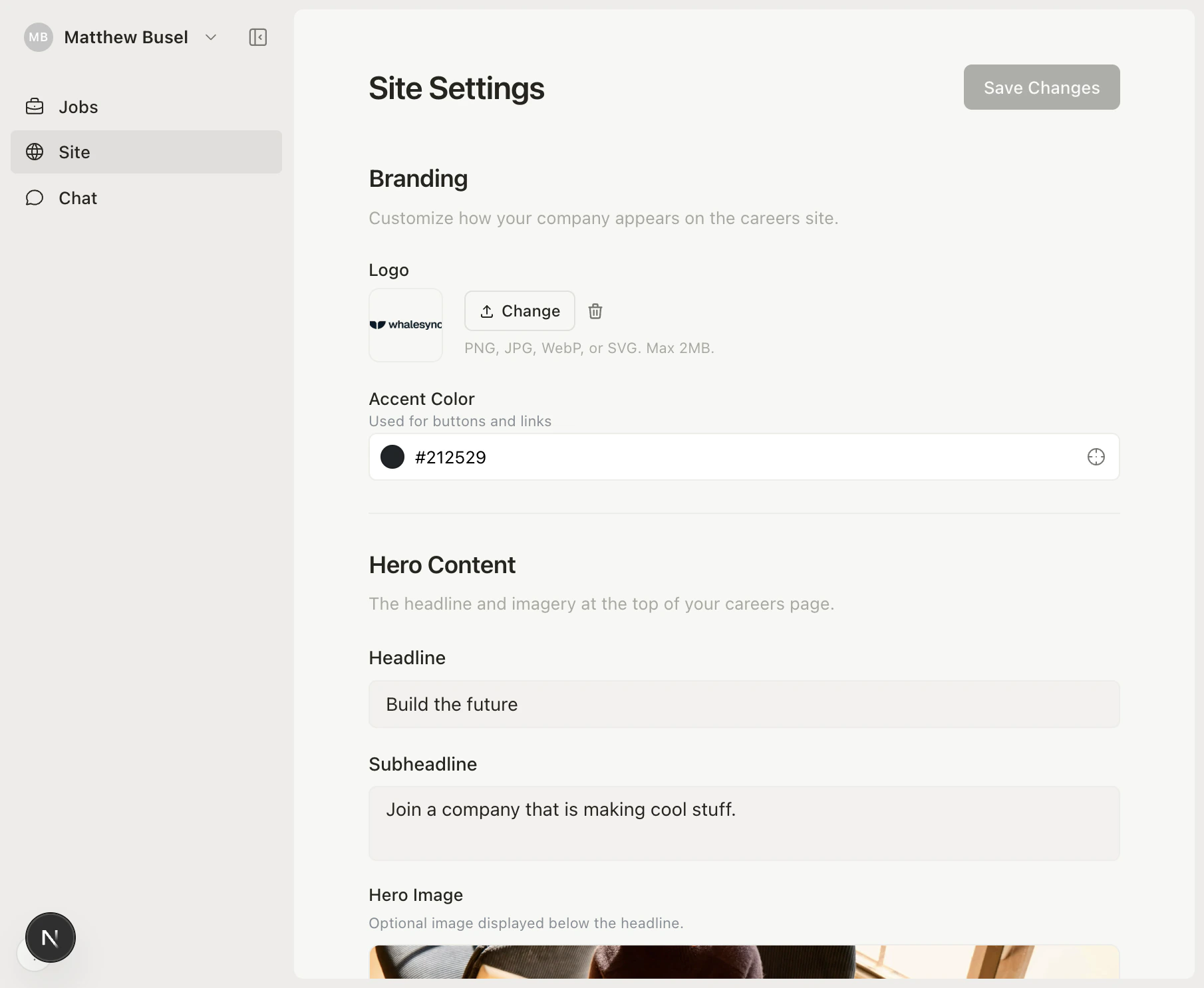
- Logo — Upload your company logo (PNG, JPG, WebP, or SVG)
- Accent color — Pick a brand color for buttons and links
- Hero content — Headline, subheadline, and optional hero image
- About section — Rich text area for your mission, values, and culture (supports markdown)
- Callout banner — Optional highlighted message for candidates
- Notification email — Get notified when new applications come in