> ## Documentation Index
> Fetch the complete documentation index at: https://docs.hireloam.com/llms.txt
> Use this file to discover all available pages before exploring further.
# Creating a Job
> Post a new job listing in under 5 minutes.
## Create the job
From the **Jobs** page, click **Create Job**. Fill in the title, employment type, and optionally a department and location.
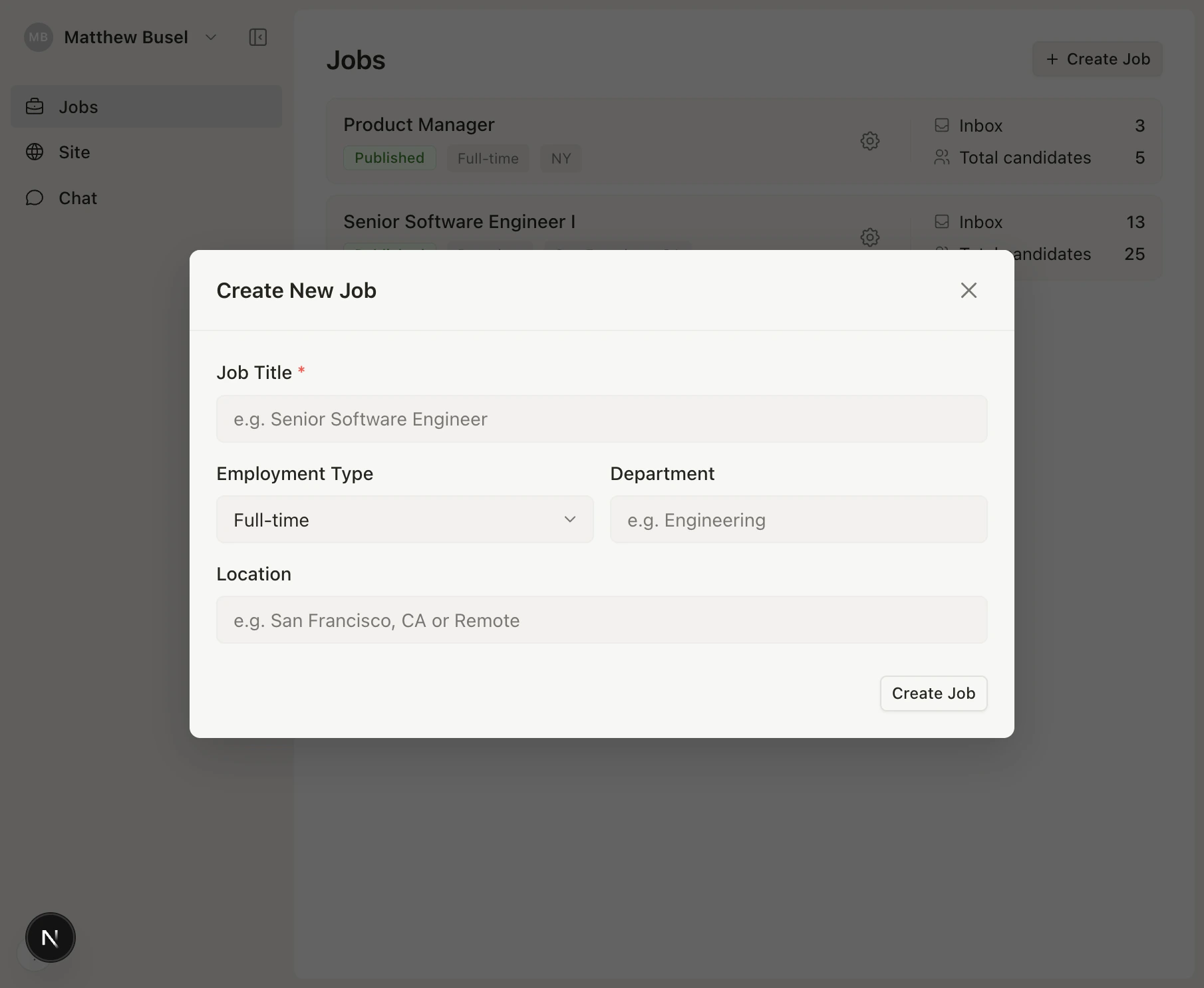 Click **Create** and you'll land on the job's pipeline. The job starts in **Draft** — it's not public yet.
## Configure settings
Click **Configure** to customize the job posting and application form.
Click **Create** and you'll land on the job's pipeline. The job starts in **Draft** — it's not public yet.
## Configure settings
Click **Configure** to customize the job posting and application form.
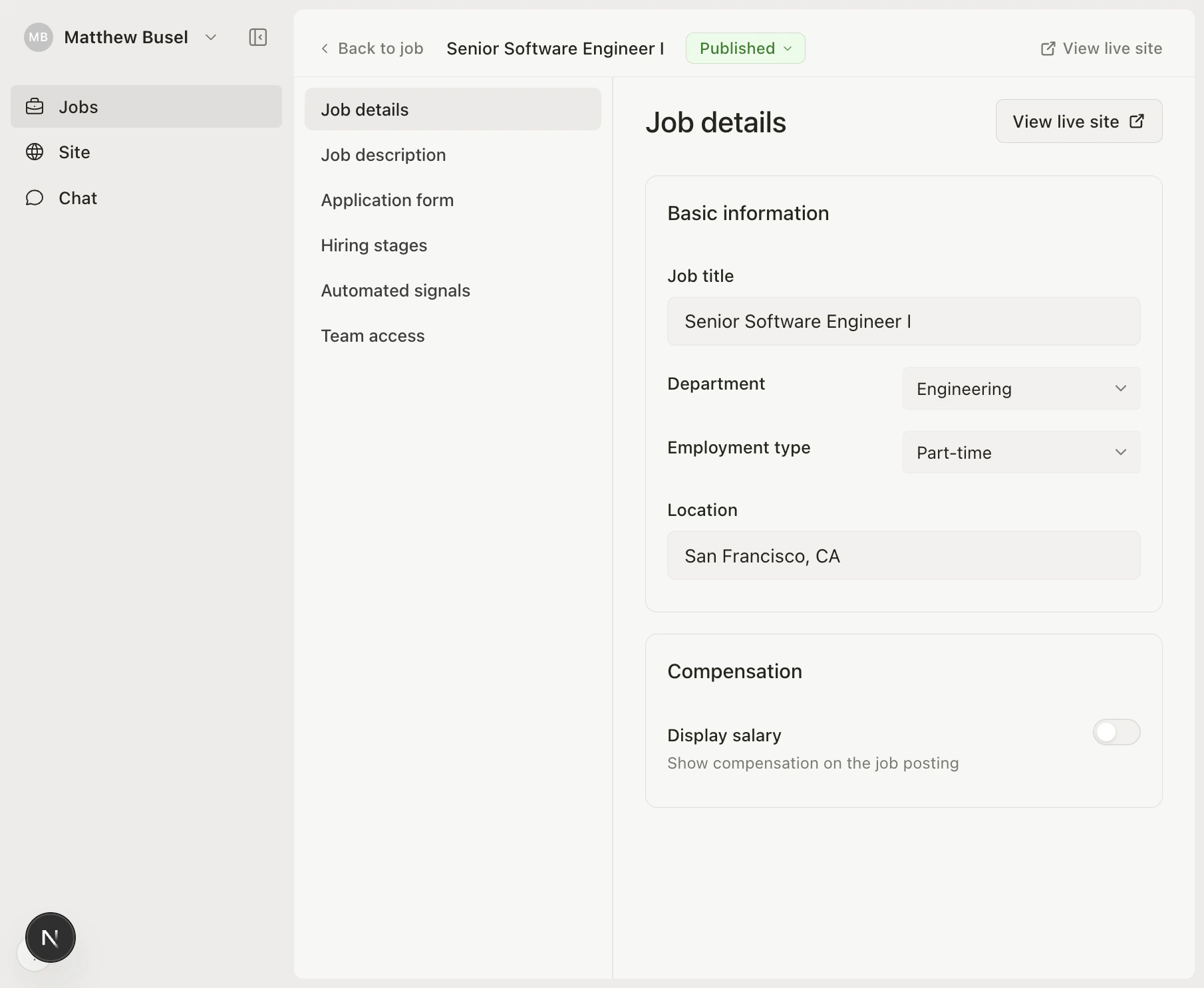 From here you can:
* **Write a job description** (supports markdown)
* **Set salary and equity ranges** to display on your careers page
* **Configure application form fields** — choose which fields (resume, LinkedIn, phone, website) are required, optional, or hidden
* **Add custom screening questions** (short answer, long answer, or URL)
* **Manage pipeline stages** — add, rename, or reorder stages
## Publish
When ready, change the status from **Draft** to **Published** in the settings. The job immediately appears on your [careers page](/help/careers-page).
| Status | Meaning |
| ------------- | -------------------------------- |
| **Draft** | Not visible to candidates |
| **Published** | Live and accepting applications |
| **Closed** | No longer accepting applications |
From here you can:
* **Write a job description** (supports markdown)
* **Set salary and equity ranges** to display on your careers page
* **Configure application form fields** — choose which fields (resume, LinkedIn, phone, website) are required, optional, or hidden
* **Add custom screening questions** (short answer, long answer, or URL)
* **Manage pipeline stages** — add, rename, or reorder stages
## Publish
When ready, change the status from **Draft** to **Published** in the settings. The job immediately appears on your [careers page](/help/careers-page).
| Status | Meaning |
| ------------- | -------------------------------- |
| **Draft** | Not visible to candidates |
| **Published** | Live and accepting applications |
| **Closed** | No longer accepting applications |