> ## Documentation Index
> Fetch the complete documentation index at: https://docs.hireloam.com/llms.txt
> Use this file to discover all available pages before exploring further.
# Careers Page
> Set up a branded careers page for your startup.
Every organization gets a public careers page at `hireloam.com/apply/your-org-slug`. Only jobs with **Published** status appear.
## Customize your page
Go to **Site** in the sidebar to configure your careers page. Changes save automatically.
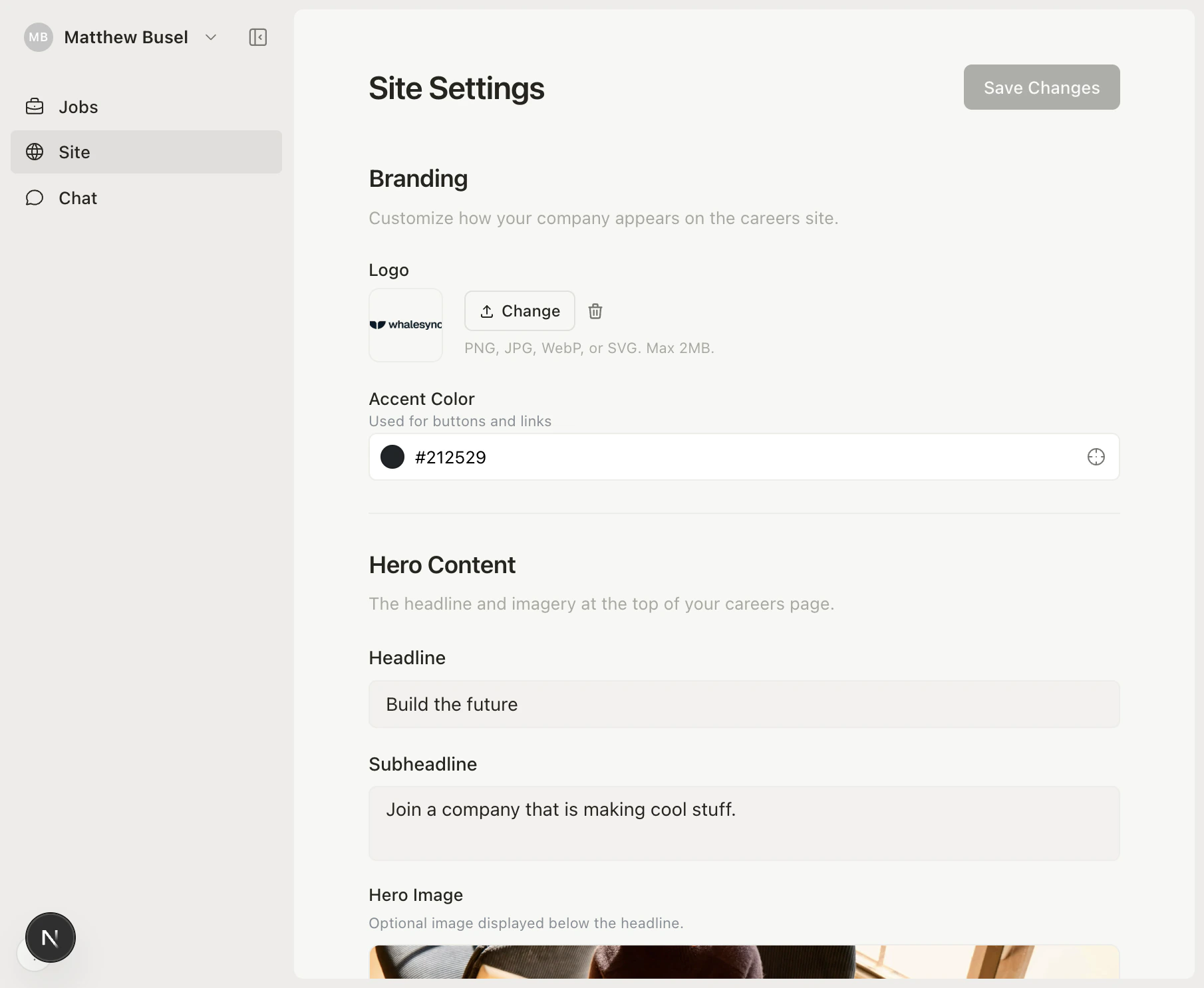 You can customize:
* **Logo** — Upload your company logo (PNG, JPG, WebP, or SVG)
* **Accent color** — Pick a brand color for buttons and links
* **Hero content** — Headline, subheadline, and optional hero image
* **About section** — Rich text area for your mission, values, and culture (supports markdown)
* **Callout banner** — Optional highlighted message for candidates
* **Notification email** — Get notified when new applications come in
## How it works for candidates
When candidates visit your page, they see your branding, open positions, full job descriptions, and an application form — all in a polished, modern layout.
## Share it everywhere
Add your careers page link to your website, social media, job boards, and email signatures.
You can customize:
* **Logo** — Upload your company logo (PNG, JPG, WebP, or SVG)
* **Accent color** — Pick a brand color for buttons and links
* **Hero content** — Headline, subheadline, and optional hero image
* **About section** — Rich text area for your mission, values, and culture (supports markdown)
* **Callout banner** — Optional highlighted message for candidates
* **Notification email** — Get notified when new applications come in
## How it works for candidates
When candidates visit your page, they see your branding, open positions, full job descriptions, and an application form — all in a polished, modern layout.
## Share it everywhere
Add your careers page link to your website, social media, job boards, and email signatures.